
How to Install Biophilia Guardian Software and Create a New Pet Profile
- Sally
- November 11, 2025
- 992
- 1
- 0
The Biophilia Guardian is designed to help users manage pet-related information through its dedicated software. Before installation, we recommend carefully reading the user manual to become familiar with the device, software features, and operating procedures.
1. How to Install Biophilia Guardian Software
Follow these steps to complete the software installation and activation:
Insert the USB drive containing the Biophilia Guardian software into your computer.
Open the USB drive and run the software installation program.
During installation, a prompt window will appear displaying an Activation Number.
Copy the Activation Number and send it to your seller.
The seller will provide you with a corresponding License Number.
Copy and paste the License Number into the designated field. Once entered, the NEXT button will become available.
Click NEXT and follow the on-screen instructions to complete the installation.
2. How to Create a New Pet Profile
After installing the software, you can create a profile for your pet.
Before starting, make sure that the device and Dongle are properly connected to your computer and that the device's power indicator is illuminated.
Follow these steps:
Launch the Biophilia Guardian software.
Click NEW CARD to create a new pet profile.
Enter the required pet information in the corresponding fields.
Carefully check all details before saving, especially the pet's name and age, to ensure the information is accurate.
3. Important Notes About Pet Profiles
Each pet can have only one profile (card) in the software.
Please make sure all pet information is entered correctly when creating a new card.
If the information is incorrect or the profile is no longer needed, you can delete the existing pet card and create a new one if necessary.
Following these instructions will help you complete the Biophilia Guardian software installation and pet profile setup smoothly.
Related Products
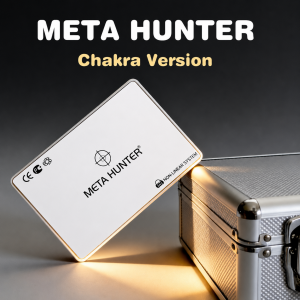
Meta Hunter Bioresonance Machine with Chakra Healing
How Does Bioresonance Biofeedback Work? Each organ, tissue, and cell in our body has a disti..
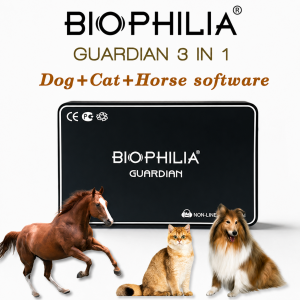
3 in 1 Biophilia Guardian include dog, cat and horse software.
Newest 3 in 1 BIOPHILIA GUARDIAN include 3 software totally. You can install dog, cat, hor..
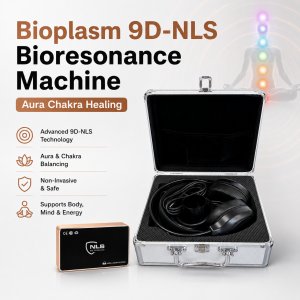
Bioplasm 9D-NLS Bioresonance Machine - Aura Chakra Healing
Bio-resonance or NLS-diagnostics aim at obtaining information about the state of your health ..

Advanced Terahertz Blower - Professional Whole-Body Thermal Therapy Device
1. What are terahertz waves? Answer: Terahertz waves are electromagnetic waves (lig..